← StopBotAPI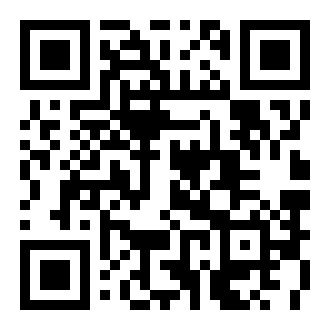
Your own StopBotAPI app
Watch the bots hitting your sites, live, from your phone or computer. It opens with one tap and updates itself. It’s free with your StopBotAPI account, and there’s no app store to deal with.
Step 1: Create your account
The app is for StopBotAPI members, so sign up first. Plans start at $1 for your first 3 months.
Sign up free →Once you’re signed in, come back to this page, or tap Install on the bar that shows up on your dashboard.
iPhone & iPad
- Open stopbotapi.com in Safari and sign in.
- Tap the Share button (the square with an arrow).
- Tap Add to Home Screen, then Add.
Android
- Open stopbotapi.com in Chrome and sign in.
- Tap Install on the bar that pops up.
- No bar? Tap the three dots, then Install app.
Computer
- Open stopbotapi.com in Chrome or Edge and sign in.
- Click the install icon at the right end of the address bar.
- Or click the three dots, then Install StopBotAPI.
On your computer right now?
Point your phone’s camera at this code to open this page on your phone. Your sites and radar are the same everywhere you sign in.